Our All-New Writing Canvas
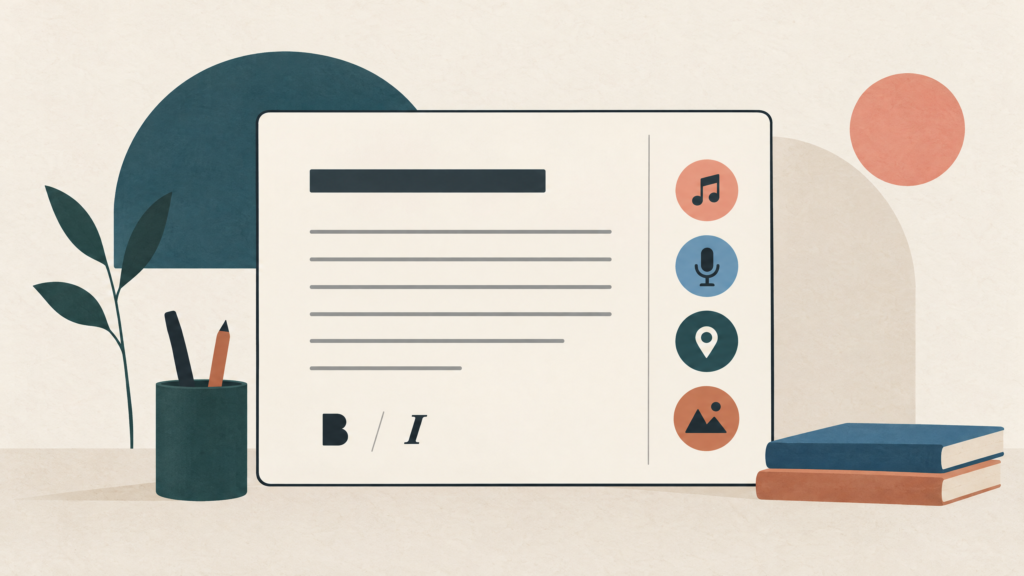
A journal entry is rarely only a block of text.
It might begin as a sentence, then become a photo, a song, a voice note, a place, or a feeling you do not want to lose. Our all-new Writing Canvas is built to let those pieces stay together.
A calm place to begin
The canvas opens with a simple title field and a spacious writing area. The prompt is intentionally plain: “What’s on your mind?”
There is no demand to choose the perfect mood or organise the story before you start. Write the first honest thing. The rest can arrive afterwards.
Format the words without fighting the page
The canvas includes lightweight rich-text tools for the moments when formatting helps the thought breathe. You can use:
- Bold for the line you want to remember.
- Italic for a quieter aside or a phrase with a different weight.
- Underline and strikethrough when the shape of the sentence matters.
- Bulleted and numbered lists when your mind is already making a list.
The editor keeps the focus on writing rather than surrounding you with controls. Formatting should serve the entry, not turn the entry into a document-design exercise.
Capture the whole moment
From the canvas toolbar, you can add the context that makes a memory recognisable later:
- Photos and carousel galleries for more than one image.
- Music to attach the track you were listening to.
- Voice Notes when speaking is more natural than typing.
- Location when the place belongs with the memory.
- Feelings, watching, travelling, and playing to record what was around the moment.
A voice note can be reviewed, played back, or removed before you save. Music stays visible as a small attachment with the song title and artist. Location is an intentional choice: you can attach coordinates when you want the place to travel with the story.
Write with Quest nearby, not in charge
Quest can help you move through an unfinished thought. It can offer a prompt, reflect a thread, or help you see the shape of what you have written.
But the canvas is still yours. Quest does not replace the first messy sentence, and it does not get the final word on what the memory means.
Use assistance when it opens a door. Keep your own words when they are the thing you came to save.
Save privately or share intentionally
When you tap Save, SocialGem lets you choose where the story belongs. You can save it to a Private Journal or share it to an Open Journal.
The save sheet searches the journals available for that destination. Private writing stays private by default. Open publishing is a separate, deliberate choice for the journal you have chosen to share.
This keeps the act of writing and the act of publishing distinct. You do not have to decide whether a thought is public while it is still becoming itself.
Keep writing when the connection disappears
The canvas is designed around real writing conditions, including the moments when the signal is not perfect. SocialGem can save a story offline and show a Saved Offline confirmation so you know the thought is not lost just because the network is having a bad day.
When you are back online, the entry can continue through the normal sync flow. Start on your phone, return on another device, and let the journal stay with the story.
A 15,000-character room for the thought
The canvas supports up to 15,000 characters in an entry. That is enough space for a long reflection without making every journal entry feel like an assignment.
Start with one line or use the whole room. There is no correct length for something that matters to you.
The new canvas is an invitation
We built the Writing Canvas for the space between “I should write this down” and “I know what I mean.”
Bring the sentence, the song, the voice, the place, and the feeling. Save the whole moment.
Open SocialGem and start writing, or learn more about our privacy and end-to-end encryption.